
Remixel guides
From your first scene to the room.
Get a visual running, connect the music, and give the audience its own screen. Practical walkthroughs for the Mac you already use.
Get Remixel Free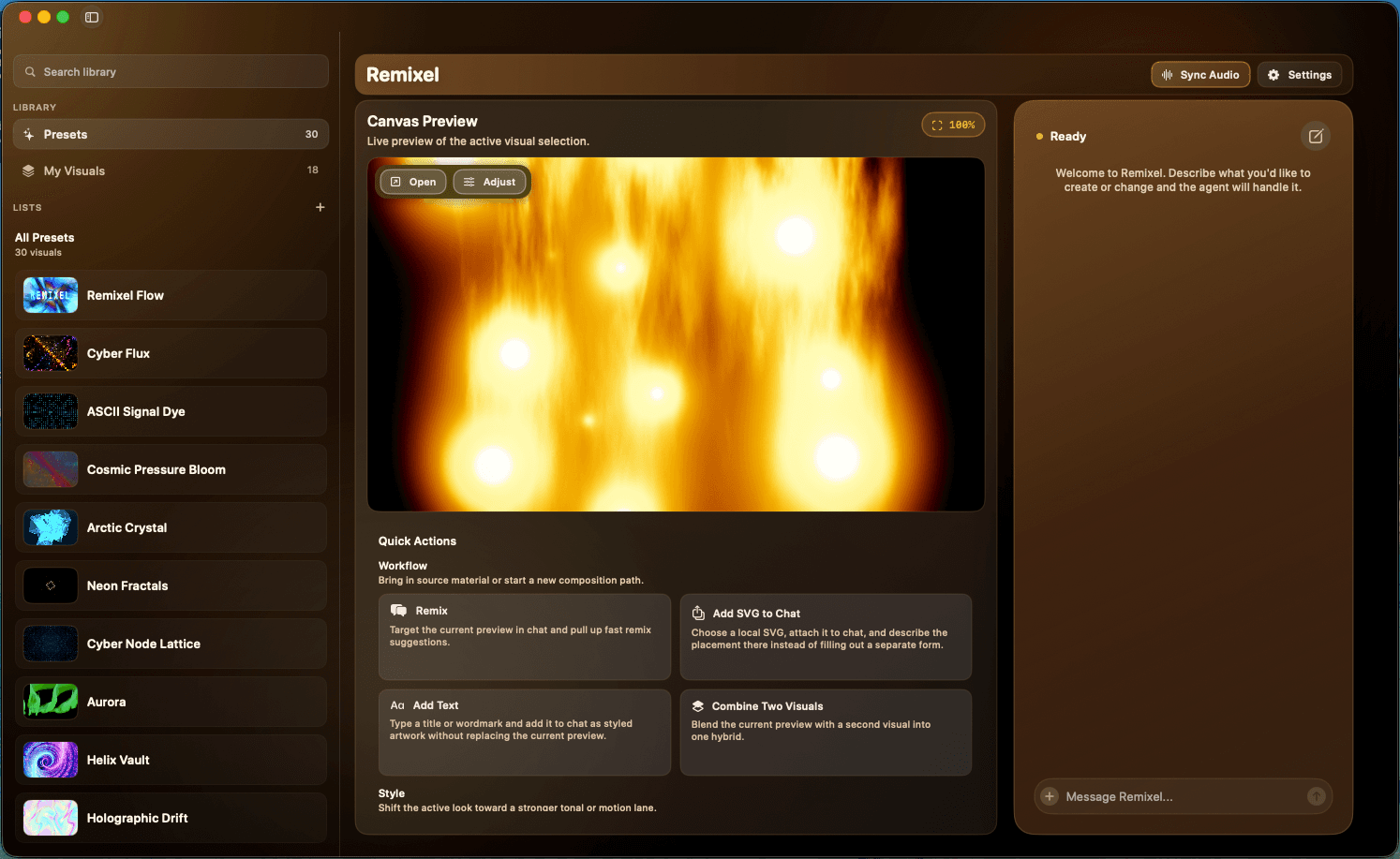
Start with your setup
Your first live set
How to run DJ visuals on a Mac
Set up Remixel for a DJ set: choose a scene, keep your Mac controls separate from the audience display, and rehearse your visual changes.
5 min read
Music into motion
How to make audio-reactive visuals on a Mac
Choose app audio, the system mix, or a microphone in Remixel. Check macOS permissions and troubleshoot visuals that do not respond to music.
5 min read
Stuck on a specific step? Get help with Remixel.